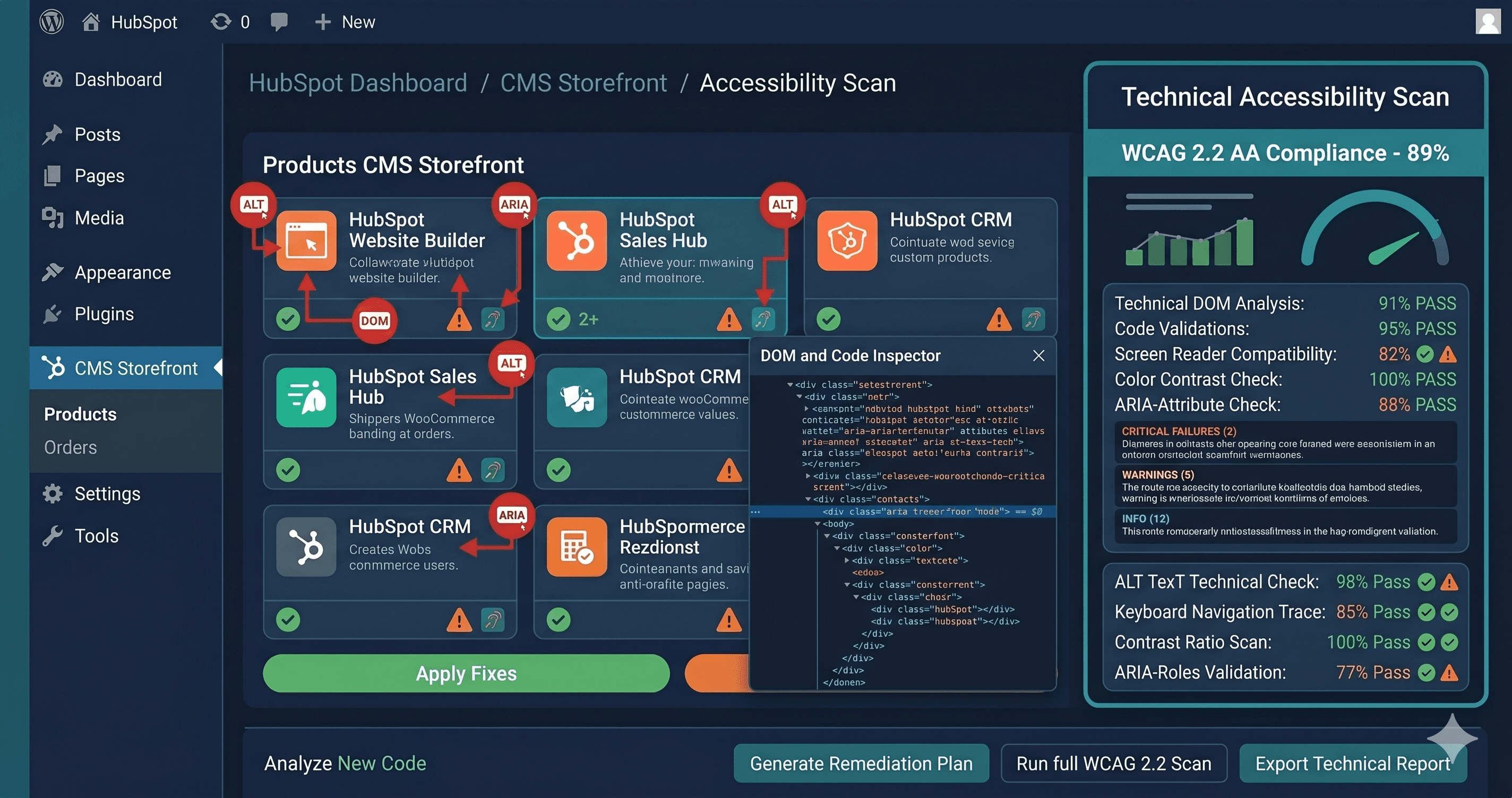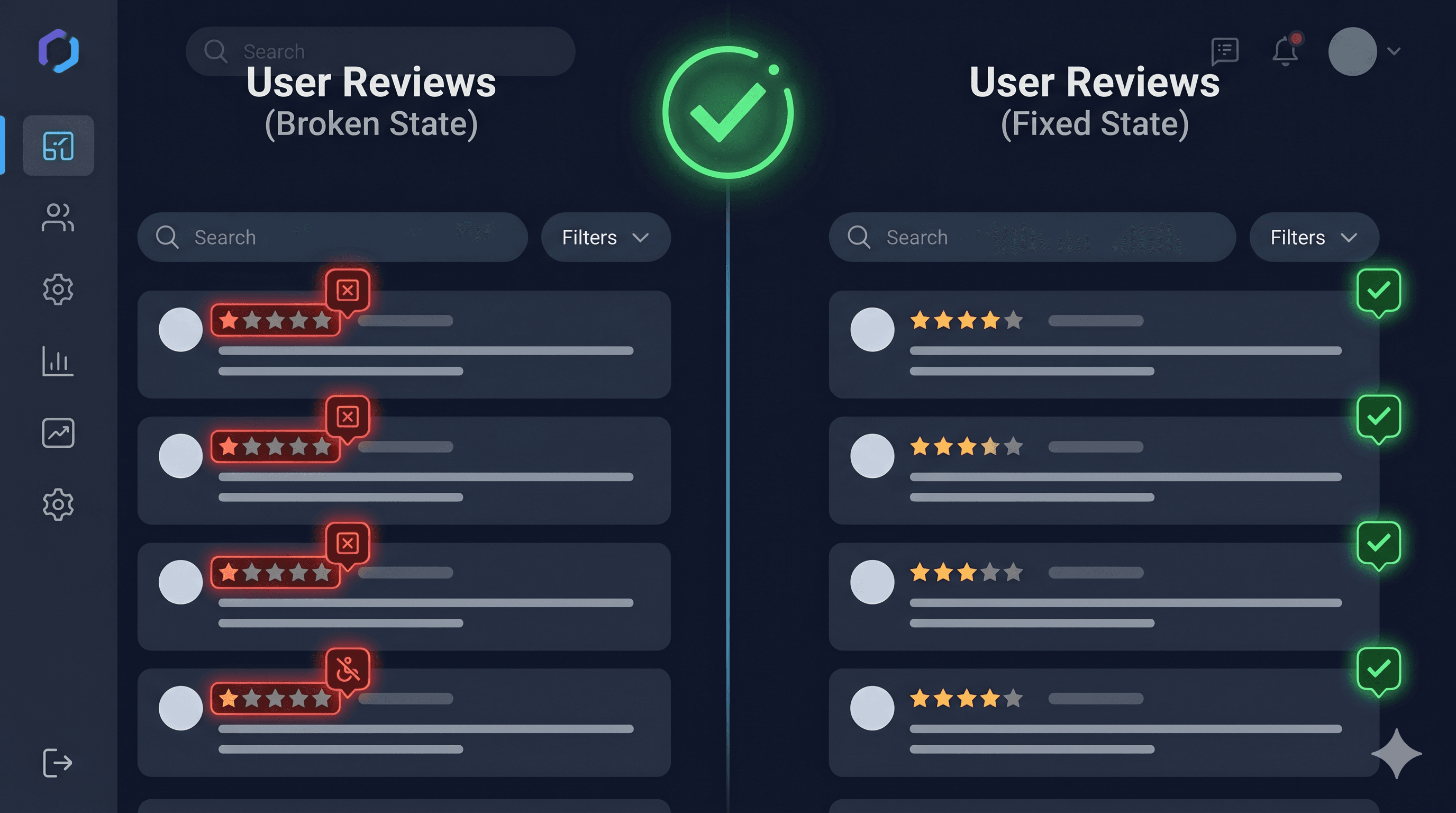
Product review sections are one of the most consistently flagged elements in ADA demand letters — and Yotpo, which powers review widgets on hundreds of thousands of Shopify stores, is no exception. More than 4,800 ADA digital accessibility lawsuits were filed in the United States in 2025 according to UsableNet, a significant increase year-over-year, with product pages and user-generated content sections regularly cited as violation sources.
The problem isn't that Yotpo ignores accessibility. The problem is that the moment a merchant customizes colors, enables a carousel, or applies CSS overrides — which nearly every merchant does — the accessibility compliance Yotpo built in silently breaks. Yotpo's own documentation warns that applying Look & Feel customizations such as low-contrast color combinations can breach ADA compliance. Most merchants never read that warning.
Yotpo's Built-in Compliance and Its Limits
Yotpo acknowledges two important limitations in their own documentation. First, widgets that have not been updated since March 10, 2018, may not comply with ADA guidelines. If your store has been running Yotpo since before that date and you haven't migrated to the newer widget versions, your compliance status is immediately in question.
Second — and this is the critical one for most merchants — applying Look & Feel or CSS customizations such as low-contrast color combinations or enabling auto-scrolling on carousel widgets can breach ADA compliance. Yotpo says this explicitly. In practice, almost every merchant customizes their widgets to match their brand colors, which means almost every merchant has potentially broken the contrast compliance that Yotpo's default theme provides.
Yotpo has worked with Essential Accessibility as a partner on their newer review widget to meet ADA guidelines, and the new widget architecture is faster and better structured for accessibility. But it requires merchants to actively upgrade and avoid the customization pitfalls that reintroduce violations.
Common WCAG Violations in Yotpo Review Sections
Low contrast after color customization (WCAG 1.4.3)
This is the most common failure. When a merchant overrides Yotpo's default text color to match a brand palette, they frequently introduce contrast ratios below the WCAG 1.4.3 minimum of 4.5:1 for normal text or 3:1 for large text. A brand whose primary color is light grey, pastels, or soft tones is especially at risk. The star rating caption text, reviewer names, review dates, and "Verified Buyer" labels are all affected.
Auto-scrolling carousels (WCAG 2.2.2)
When auto-scrolling is enabled on a Yotpo review carousel, it violates WCAG 2.2.2 (Pause, Stop, Hide). Moving content that starts automatically and runs for more than five seconds must be pausable by the user. Auto-scrolling carousels also present a significant barrier to users with cognitive disabilities, attention disorders, or motion sensitivity — including people with vestibular disorders who experience motion sickness from scrolling animations.
Carousel controls without accessible names (WCAG 4.1.2)
Review carousels typically include "previous" and "next" arrow buttons. When these are icon-only buttons without aria-label attributes, screen readers announce them as unnamed buttons. Users navigating by keyboard or screen reader cannot tell what these controls do.
Photo gallery images without alt text (WCAG 1.1.1)
When customers upload photos with their reviews, those images typically receive empty or auto-generated alt text. Customer product photos often show the product in use — context that sighted users understand but screen reader users miss entirely. WCAG 1.1.1 requires text alternatives that convey the same information as the image.
Star rating not announced to screen readers (WCAG 1.3.1)
Visual star ratings are meaningful to sighted users but need to be expressed programmatically for screen reader users. If the star graphic is just an SVG or CSS without an accompanying text equivalent (e.g., "4.7 out of 5 stars, 342 reviews"), screen reader users cannot access the core social proof information that the widget provides.
Review form inputs improperly labeled (WCAG 1.3.1, 4.1.2)
The review submission form — write-a-review fields including star selection, headline, and review body — must have properly associated labels. If Yotpo's review form uses placeholder text in place of visible labels and those placeholders disappear on focus, users with cognitive disabilities may lose track of what each field requires. WCAG 1.3.1 and 4.1.2 both require programmatic label associations.