Netflix was sued for failing to provide closed captions on streaming content. Domino's was taken to the Supreme Court over inaccessible digital platforms. These weren't edge cases in an obscure area of law — they were signal events that expanded ADA liability into every digital channel a brand operates. In 2026, that includes social media.
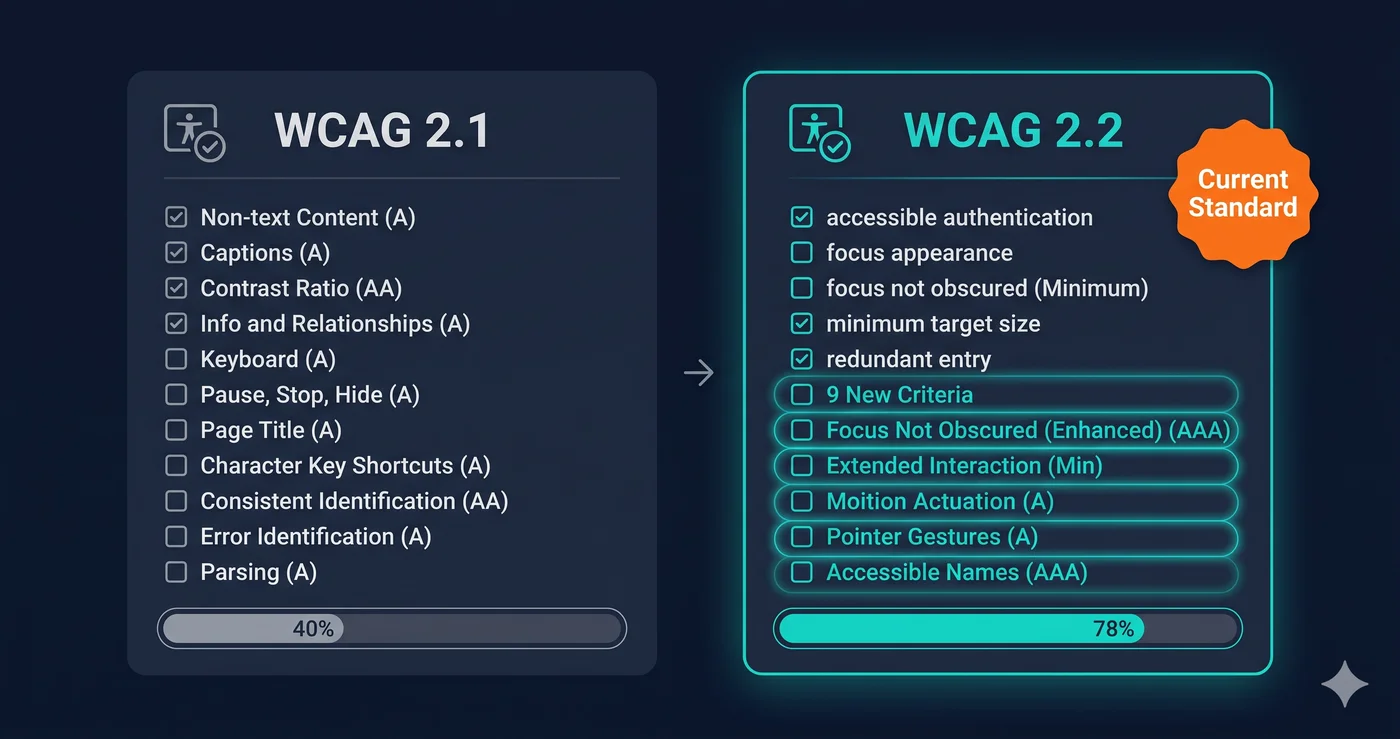
The DOJ's ADA Title II rule, finalized in 2024, explicitly includes social media content published by public entities as covered digital content requiring WCAG 2.1 AA compliance. For private brands under Title III, the same logic that extended ADA liability to websites now extends to social media accounts that function as a place of public accommodation's digital presence. And under the European Accessibility Act — in enforcement since June 28, 2025 — any brand with EU users must make its digital communications, including social content, accessible.
What "Accessible Social Media" Actually Means
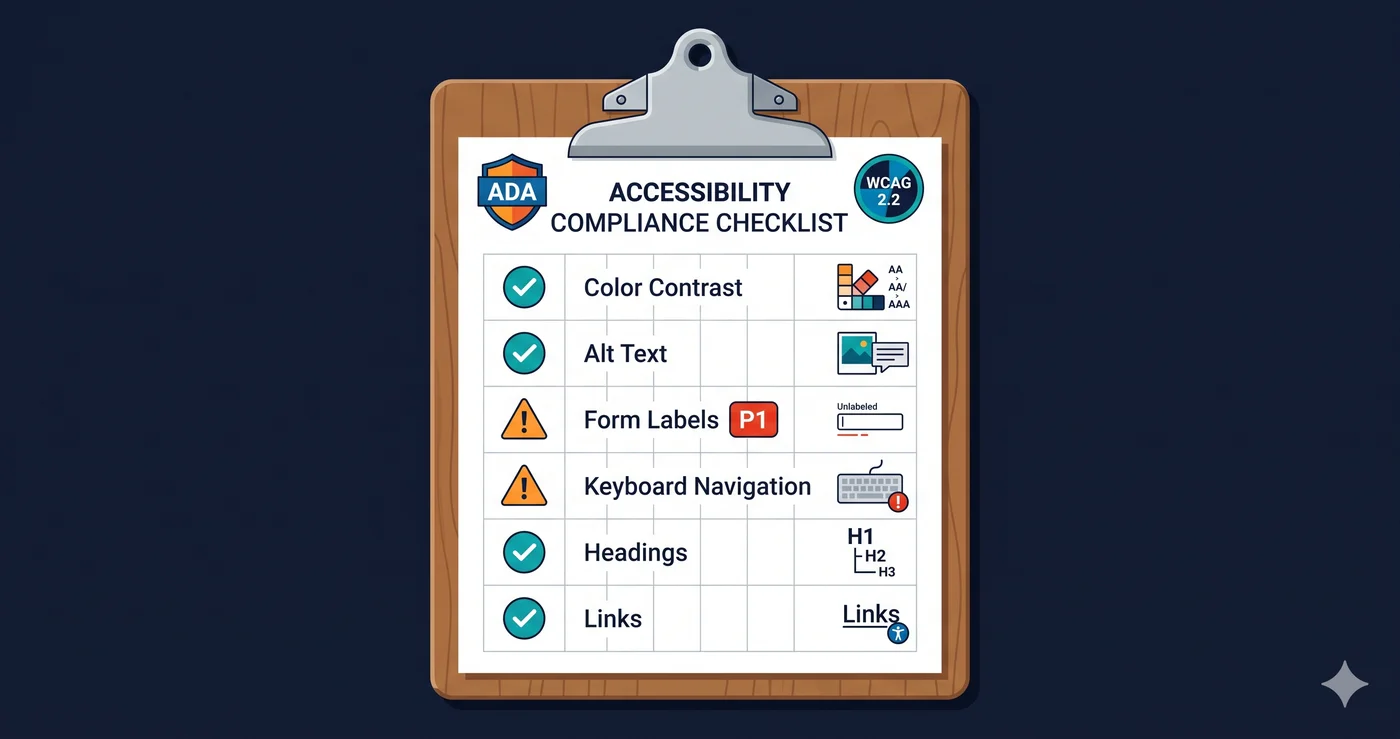
Accessible social media isn't a separate standard — it's WCAG 2.1 AA applied to the content you publish on social platforms. The principles that apply to your website apply to your posts: perceivable, operable, understandable, and robust. In practice, this means four primary requirements:
1. Alt text on images. Every non-decorative image you publish must have a text description that communicates the content and purpose of the image to someone who cannot see it. "Photo of a product" is not sufficient. "Red leather tote bag with brass hardware, shown against a white background" communicates the visual information.
2. Captions on video. Every video with audio — promotional videos, tutorials, product demos, reels, stories — must have accurate, synchronized captions. AI-generated captions are only 85–90% accurate according to accessibility specialists. They must be reviewed and corrected before publishing.
3. Meaningful text in graphics. Images of text — a quote card, a promotional graphic with pricing, an announcement designed in Canva — must have alt text that includes the text in the image. If the image contains text that isn't in the alt text, screen reader users miss that information entirely.
4. Plain language and reading order. Posts should use plain language. Excessive emoji use disrupts screen reader announcements — a line of 10 fire emojis reads as "fire fire fire fire fire fire fire fire fire fire." Use emoji sparingly and place them at the end of text, not mid-sentence.
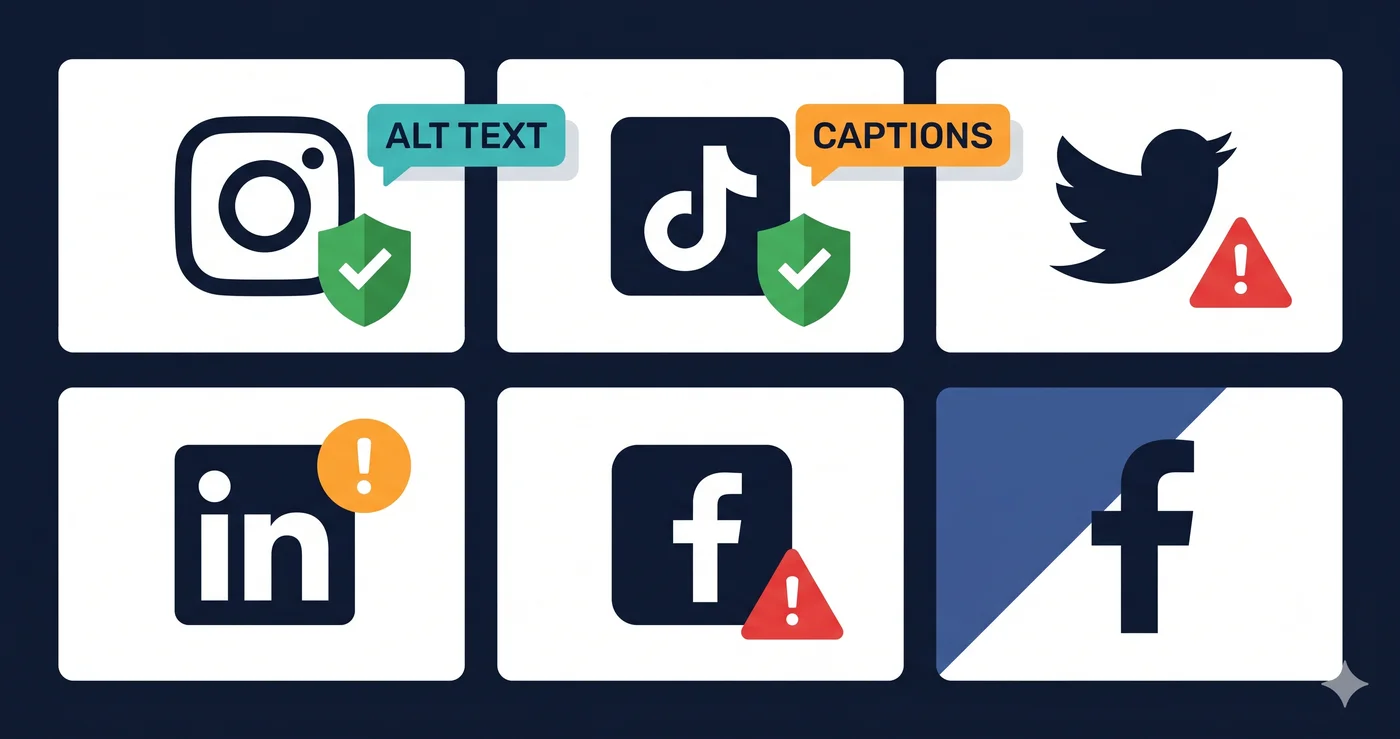
Platform-by-Platform Accessibility Guide
| Platform | Built-In Alt Text | Caption Feature | Risk If Skipped | Notes |
|---|---|---|---|---|
| Yes — in Advanced Settings on each post | Auto-captions for Reels (requires manual review) | Medium-High | Alt text must be added manually; auto-alt is low quality | |
| Facebook / Meta | Yes — "Edit Image Description" on each post | Auto-captions for video | High — large audience including older users with disabilities | Facebook's audience skews older; disability rate is higher |
| X (Twitter) | Yes — "Add description" on image upload | Caption upload for video | Medium | Caption file (.SRT) must be uploaded manually |
| Yes — "Add alt text" on image upload | Manual SRT upload for video | Medium-High — B2B brands face procurement accessibility requirements | LinkedIn used by HR/procurement buyers who evaluate vendor accessibility | |
| TikTok | Limited — no native alt text for photos | Auto-captions for video (toggle required) | High — video-first platform, captions are the primary requirement | Auto-captions must be enabled per-video; quality varies |
| YouTube | Yes — via description and chapter markers | Auto-captions + manual correction | Very High — most regulations cite video captions explicitly | Auto-captions must be reviewed; accuracy varies by accent and technical vocabulary |
| Yes — via "Add alt text" | N/A (image platform) | Low-Medium | Description field doubles as alt text for screen readers |