Shopify stores account for 32.42% of all ADA web accessibility lawsuits filed by platform — more than any other ecommerce platform on the market. If you run a Shopify store and have never run a Shopify ADA compliance scan, you are in the most-sued category with no visibility into your legal exposure.
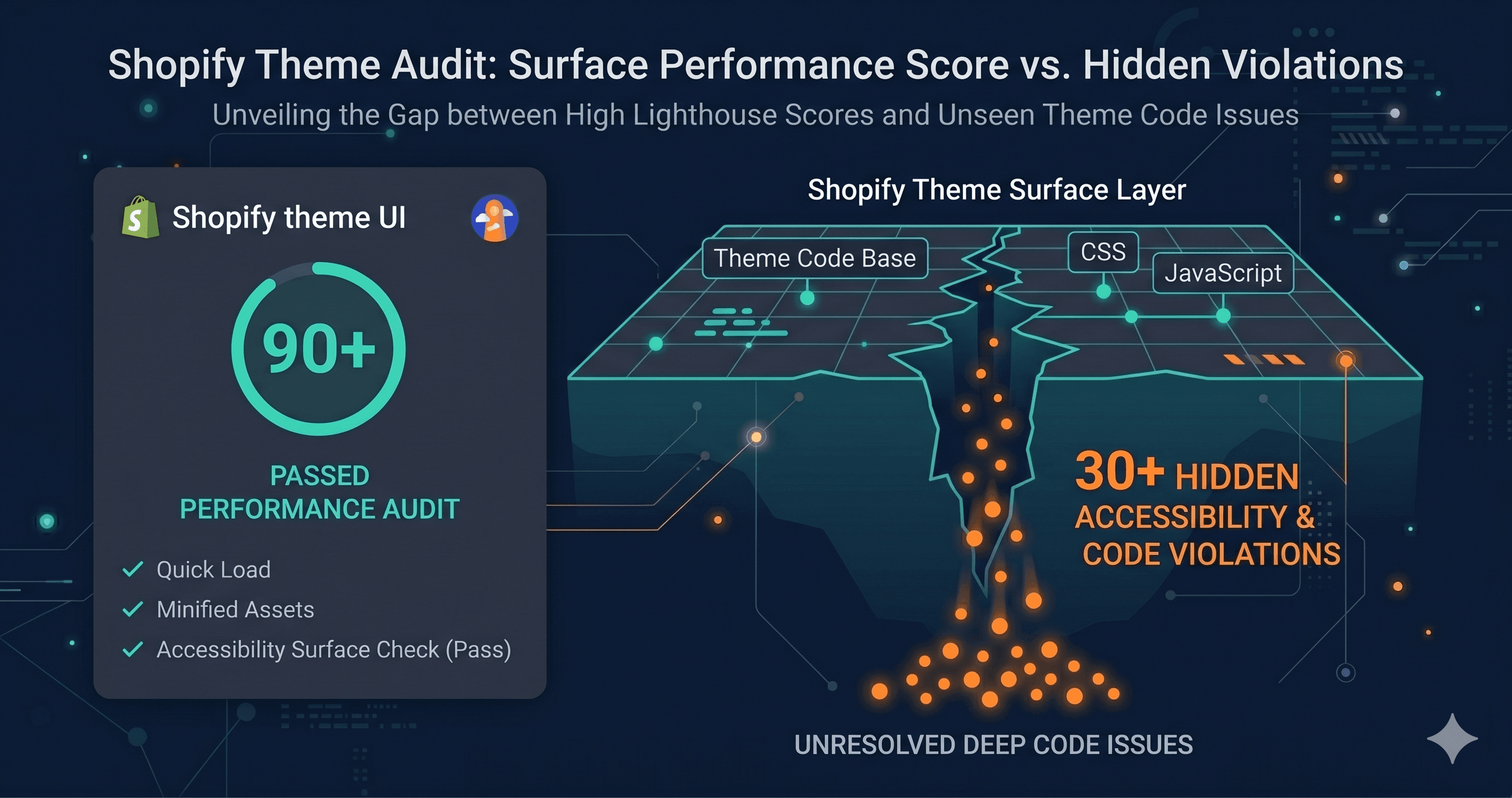
The common assumption is that a premium theme from Shopify's Theme Store provides a compliant foundation. Shopify requires all Theme Store themes to score at least 90 on Lighthouse accessibility. What that requirement does not tell you is that a Lighthouse score of 90 can coexist with dozens of real WCAG violations — on the exact same page, at the exact same moment.
Why a High Lighthouse Score Does Not Equal WCAG Compliance
Lighthouse is a sampling tool. It runs a set of automated checks against a static snapshot of your HTML, catches some obvious issues, and assigns a score. A score of 90 means Lighthouse did not flag major problems in its limited test set. It does not mean your store is WCAG 2.1 Level AA compliant.
The distinction matters because ADA compliance is not judged by Lighthouse. It is judged by how your store behaves for users with disabilities — screen reader users, keyboard navigators, users with low vision, users who rely on voice control software. The violations that trigger demand letters are often in the interactive layer: modals that trap keyboard focus, dynamic content that lacks ARIA announcements, cart drawers with unlabeled buttons, filter panels that break with keyboard-only navigation.
Put a number on the gap: Lighthouse checks only a subset of WCAG success criteria. A theme that scores 90 on Lighthouse has passed 90% of a test that doesn't cover the full standard. That's not the same as being WCAG compliant — and plaintiff attorneys know it.
Theme Store free themes like Dawn typically contain 30 to 100 WCAG violations. Premium themes — with their richer interaction patterns, custom animations, and more complex layouts — commonly carry 100 to 350 violations (TestParty, 2025 Shopify Accessibility Audit). None of those violations are visible in a Lighthouse score.
The Three Places Where Shopify Accessibility Breaks
The Theme Itself
Even Shopify's most accessible free theme, Dawn, does not meet full WCAG 2.1 AA out of the box. Research into the Dawn theme has identified color contrast failures in sale badges and product card variants, missing pause controls on slideshow components (a WCAG 2.2.2 violation), carousel elements lacking proper ARIA attributes and keyboard navigation patterns, and focus indicator visibility that falls short of the enhanced WCAG 2.4.11 standard.
89% of Shopify stores have missing alt text on product images, and 54% have color contrast failures — both top triggers for ADA demand letters (Shopify accessibility research, 2025).
The App Stack
Every third-party app you install introduces its own accessibility surface. Pop-up builders, review widgets, loyalty programs, SMS opt-in tools, subscription portals, live chat widgets — each one injects its own HTML, CSS, and JavaScript into your storefront. The Shopify App Store does not screen apps for WCAG compliance. There is no accessibility certification requirement for apps.
This means a storefront that starts with a reasonably accessible base theme can accumulate dozens of new violations with every app addition. The cart page that passed a scan six months ago may fail today because a subscription app updated its portal widget.
Naming the pattern helps make it concrete. Here's what shows up, by the specific app category that introduces it:
| Element | Common Failure | WCAG Criterion | Fix Effort |
|---|---|---|---|
| Cart drawer / fly-out cart | Keyboard focus enters but cannot exit (trap); no ARIA role | 2.1.2 No Keyboard Trap, 4.1.2 Name/Role/Value | Medium — component-level code fix |
| Email capture popup (Klaviyo, Privy, Attentive) | No aria-label on close button; focus not returned to trigger on close | 2.1.2, 4.1.2 | Medium — requires app-level or JS fix |
| Icon-only cart/wishlist/search buttons | No accessible name (aria-label missing); announced as "button" with no context | 4.1.2 Name/Role/Value | Easy — add aria-label attribute |
| Product image carousels | Arrow buttons unlabeled; carousel state not announced to screen readers | 4.1.3 Status Messages, 4.1.2 | Medium |
| Product filter sidebar (AJAX) | Filter changes not announced via aria-live; focus lost after selection | 4.1.3 Status Messages | Medium — requires live region |
| Sticky header on scroll | Covers keyboard focus indicator for elements below | 2.4.11 Focus Not Obscured (WCAG 2.2) | Easy–Medium — adjust z-index + focus behavior |
| Review widget (Yotpo, Okendo, Junip) | Widget injected post-load with invalid ARIA; not detectable in static scan | 4.1.2, 1.3.1 Info and Relationships | Medium — support ticket to vendor |
| Mobile touch targets (quantity buttons, filter chips) | Below 24×24 CSS pixels | 2.5.8 Target Size Minimum (WCAG 2.2) | Easy — CSS padding increase |
Most of these are easy-to-medium fixes once you have the specific WCAG criterion number and element path — they're just not discoverable from a Lighthouse report, because they only exist after the app's JavaScript has loaded and injected its markup.
The Checkout and Post-Purchase Flow
Shopify's hosted checkout is generally more accessible than most third-party alternatives. But the pre-checkout flow — product pages, cart drawers, discount code inputs, and bundle pickers — is built and maintained by merchants and developers, not Shopify. Violations in the path from product discovery to checkout completion are the exact sequence that plaintiffs' attorneys scan for.