Third-party apps, page builder sections, and content entered without alt text are what EAA enforcement authorities find when they audit a Shopify store. Not the theme review. Not the homepage hero image. The live DOM — every element rendered after every script loads.
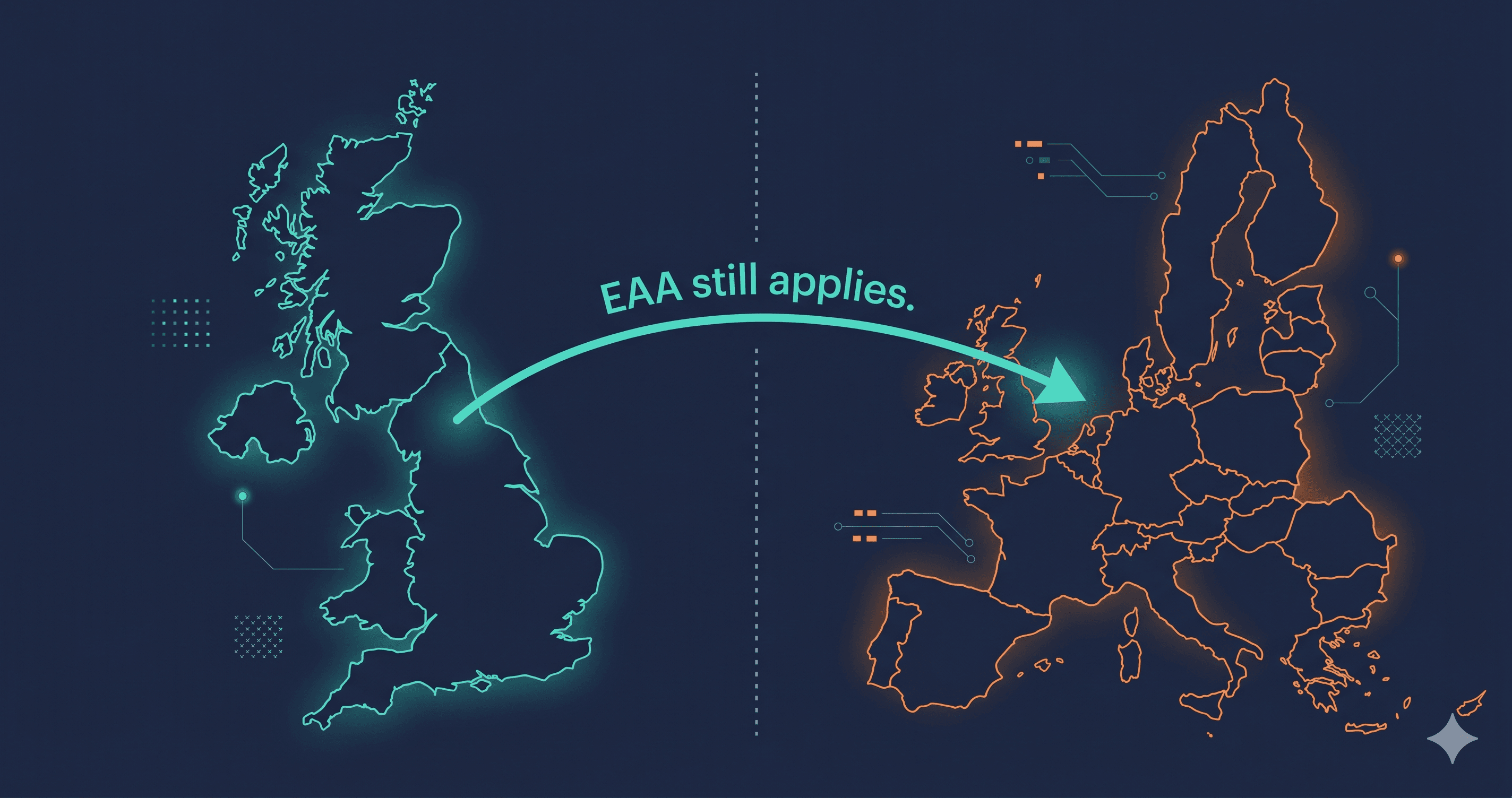
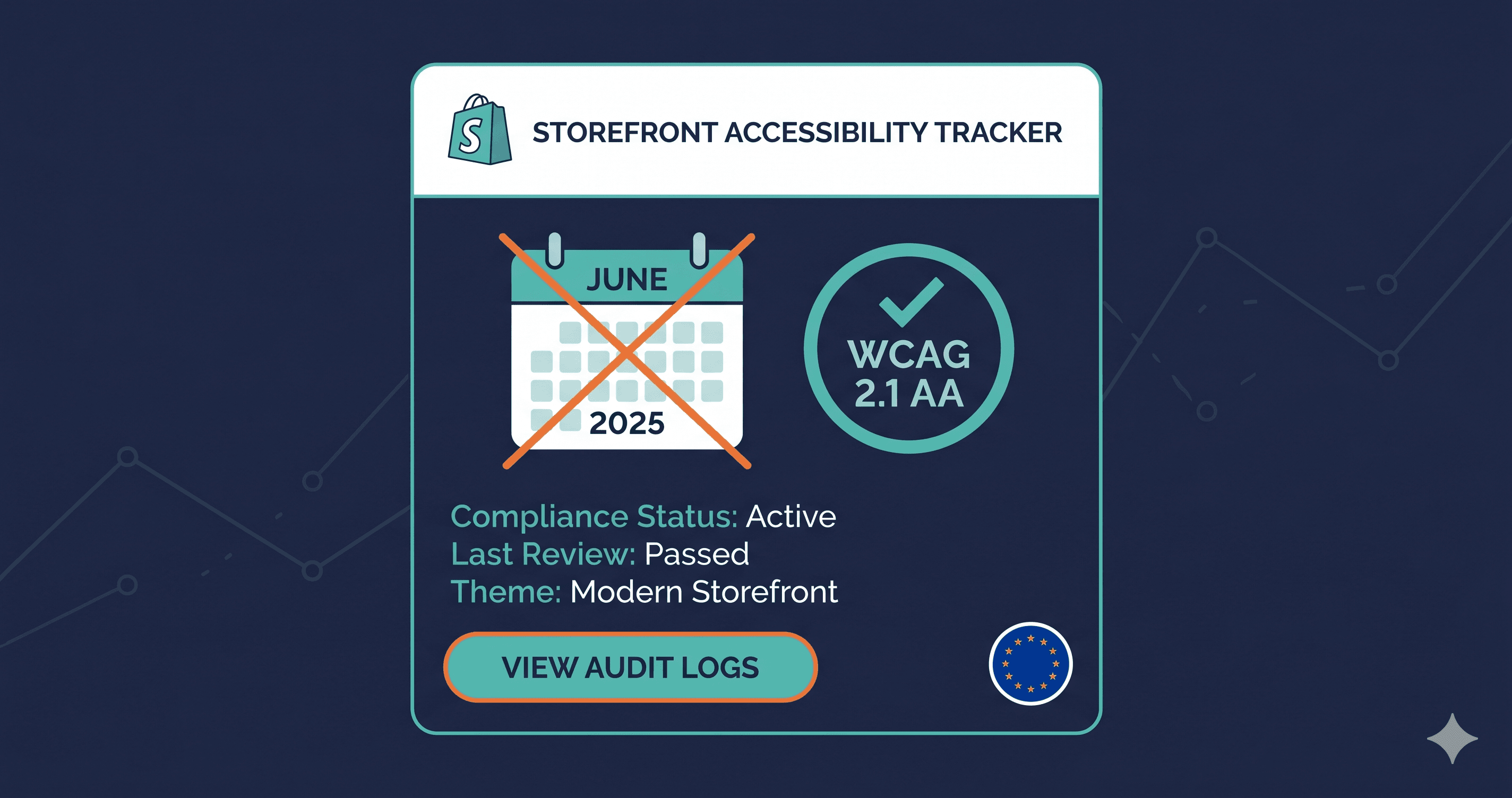
The European Accessibility Act's enforcement deadline passed on June 28, 2025. If your store has EU customers — and if you're a Shopify merchant selling internationally, you almost certainly do — you were already subject to EAA enforcement when that date passed. The compliance standard is EN 301 549, which incorporates WCAG 2.1 Level AA. The enforcement happens at the national level across 27 EU countries, with fines that range from €7,500 per violation in France to €900,000 in the Netherlands.
See our EAA compliance guide for the complete requirements beyond Shopify-specific violations.
Why Shopify's Built-In Accessibility Doesn't Equal EAA Compliance
Shopify has invested in accessible base themes. Dawn, Shopify's reference theme, is built with semantic HTML and reasonable default accessibility attributes. This is genuinely helpful as a starting point.
But here's the structural problem: a Shopify store is not Shopify's theme. It's Shopify's theme plus the apps you've installed, plus the customizations your developer made, plus the content your team entered, plus the third-party scripts injected at checkout. EAA enforcement authorities don't audit Shopify — they audit your specific store, with all of its installed components, on the day they look at it.
The violations that consistently appear on real Shopify stores during live-DOM scans are not in Shopify's base code. They come from:
Third-party apps: Email capture popups (Klaviyo, Privy, Omnisend), review widgets (Yotpo, Okendo), chat widgets (Gorgias, Tidio), and subscription portals (Recharge, Bold) all inject their own HTML, CSS, and JavaScript. These components introduce accessibility violations that Shopify has no control over and that your theme developer didn't write.
Custom sections and landing pages: Page builders like Shogun, GemPages, and PageFly generate HTML that frequently lacks proper ARIA attributes, uses decorative images without alt text, and creates keyboard navigation failures.
Your own content: Alt text on product images — one of the most common WCAG violations across e-commerce sites — is entered by your team. A product catalog with 500 images added without alt text represents 500 individual WCAG 1.1.1 violations.
What EAA Enforcement Authorities Look For on Shopify Stores
Based on what's triggered formal notices and complaints across the EU in 2025 — including the France enforcement actions against major retailers — the highest-priority violations cluster around three user journeys: browsing, filtering, and checkout.
| Page / Component | Violation Type | WCAG Criterion | Enforcement Priority |
|---|---|---|---|
| Product images | Missing alt text | 1.1.1 Non-text Content | Critical |
| Email popups | Keyboard trap (can't close with Esc/Tab) | 2.1.2 No Keyboard Trap | Critical |
| Checkout form fields | Unlabeled inputs (email, address, phone) | 1.3.1 Info and Relationships | Critical |
| Navigation menus | Missing focus indicators | 2.4.7 Focus Visible | High |
| Color/size variant selectors | Insufficient color contrast | 1.4.3 Contrast (Minimum) | High |
| Cart drawer | Missing ARIA labels on interactive controls | 4.1.2 Name, Role, Value | High |
| Filter sidebar | Non-keyboard-accessible checkboxes | 2.1.1 Keyboard | High |
| Error messages | Not announced to screen readers | 4.1.3 Status Messages | High |
| Videos on product pages | Missing captions | 1.2.2 Captions (Prerecorded) | High |
| Breadcrumb navigation | Missing landmark identification | 1.3.1 Info and Relationships | Medium |
These are not edge cases. An ADAGuard scan of a typical mid-market Shopify store finds critical violations in the majority of these categories before any customization. After app installs and theme modifications, the number of violations increases substantially.