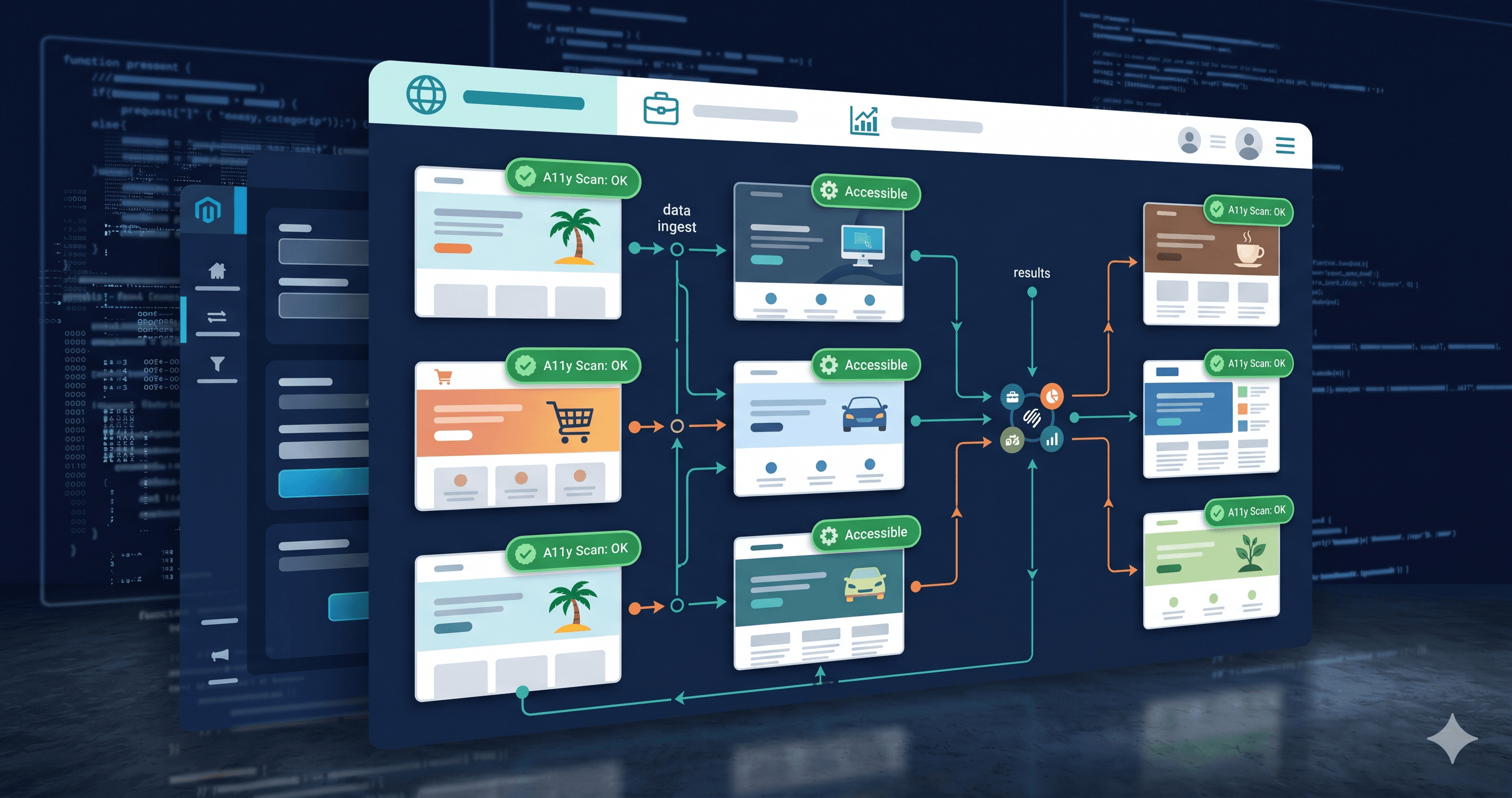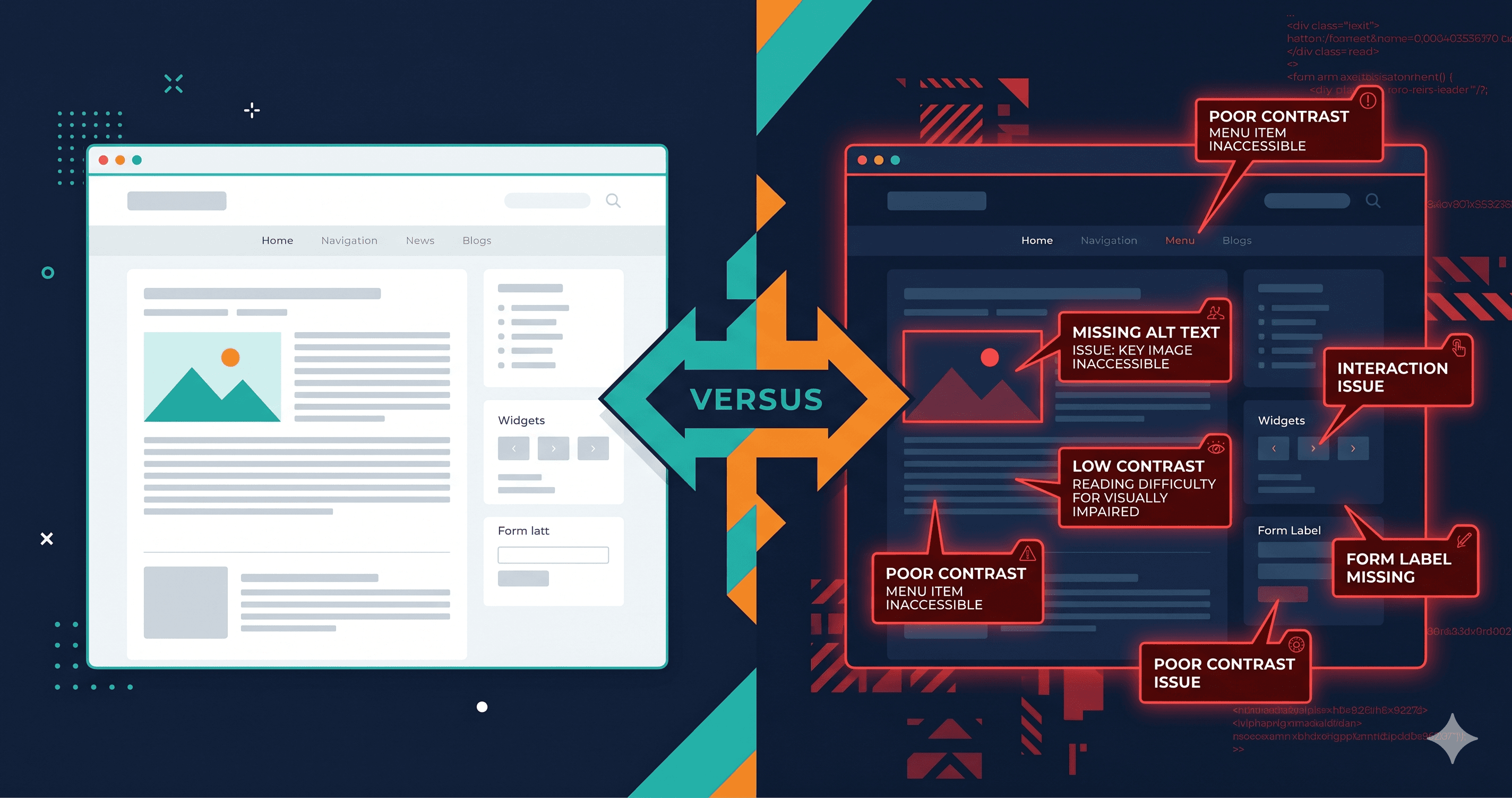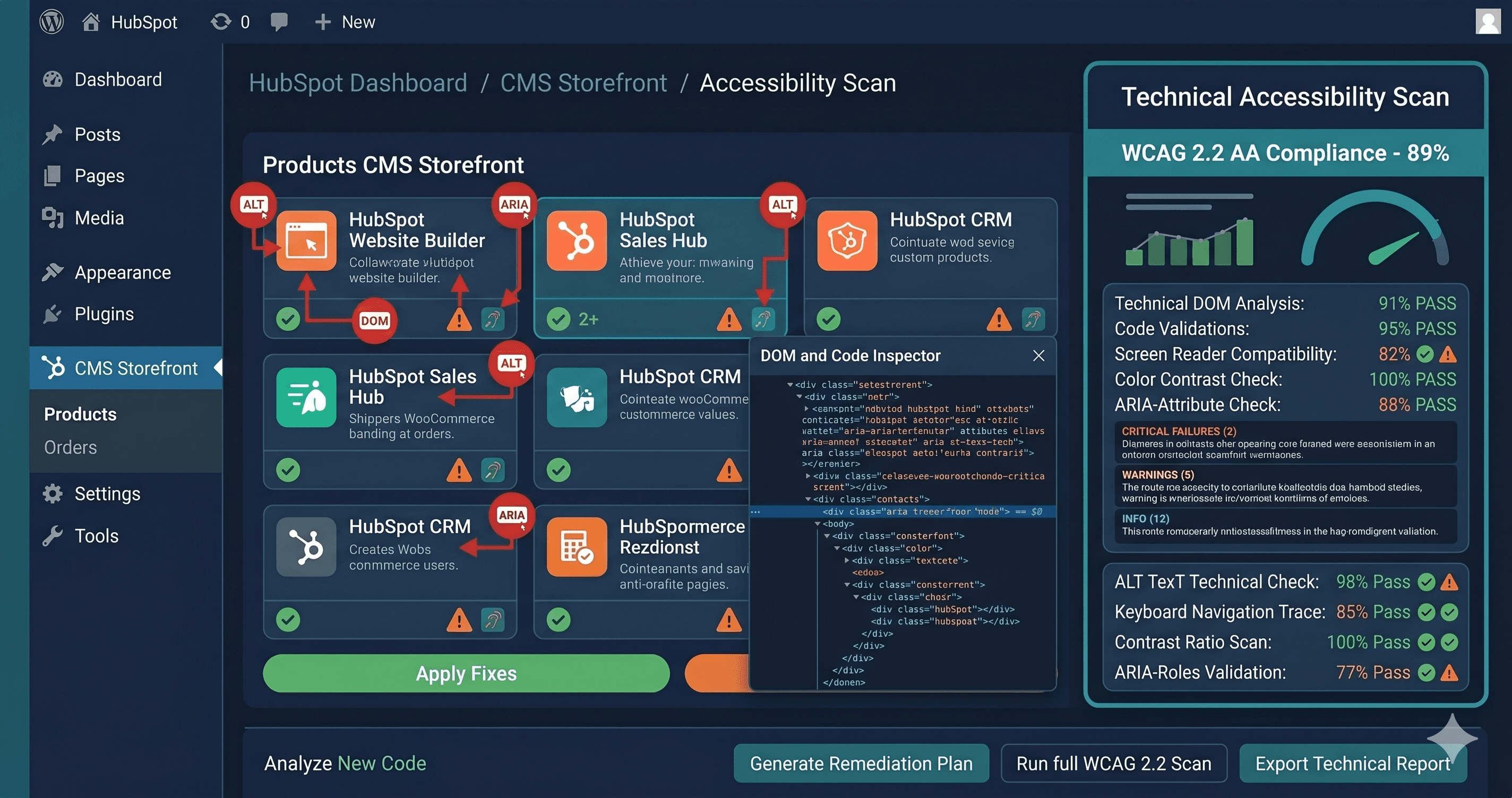
Review widgets, loyalty programs, and quiz interfaces are among the most frequently flagged elements in ADA demand letters targeting Shopify stores — and Okendo, which injects all of these into your DOM via JavaScript after page load, creates accessibility exposures that most merchants never discover until a plaintiff attorney does. What static scanners show as a clean report on your Okendo sections is often a false negative: the widgets aren't in the source HTML, so the scanner never evaluated them.
The specific challenge with Okendo — and why standard free scanners won't help you — is that its widgets are entirely JavaScript-rendered. The review section, star rating display, photo gallery, loyalty point balance, and quiz interface don't exist in your Shopify theme's HTML. They're injected into the DOM by Okendo's JavaScript bundle after the page loads. Run most free WCAG checkers on a page with Okendo installed and you'll see a clean report on those sections, because the scanner read the source HTML before Okendo's JavaScript had a chance to run. That false negative is dangerous.
Why DOM Injection Makes Accessibility Harder to Test
Static WCAG scanners work by fetching a page's HTML source and analyzing it. For traditional websites where most content is in the initial HTML response, this approach works reasonably well. For Shopify stores running apps like Okendo, it fails completely on those widget sections.
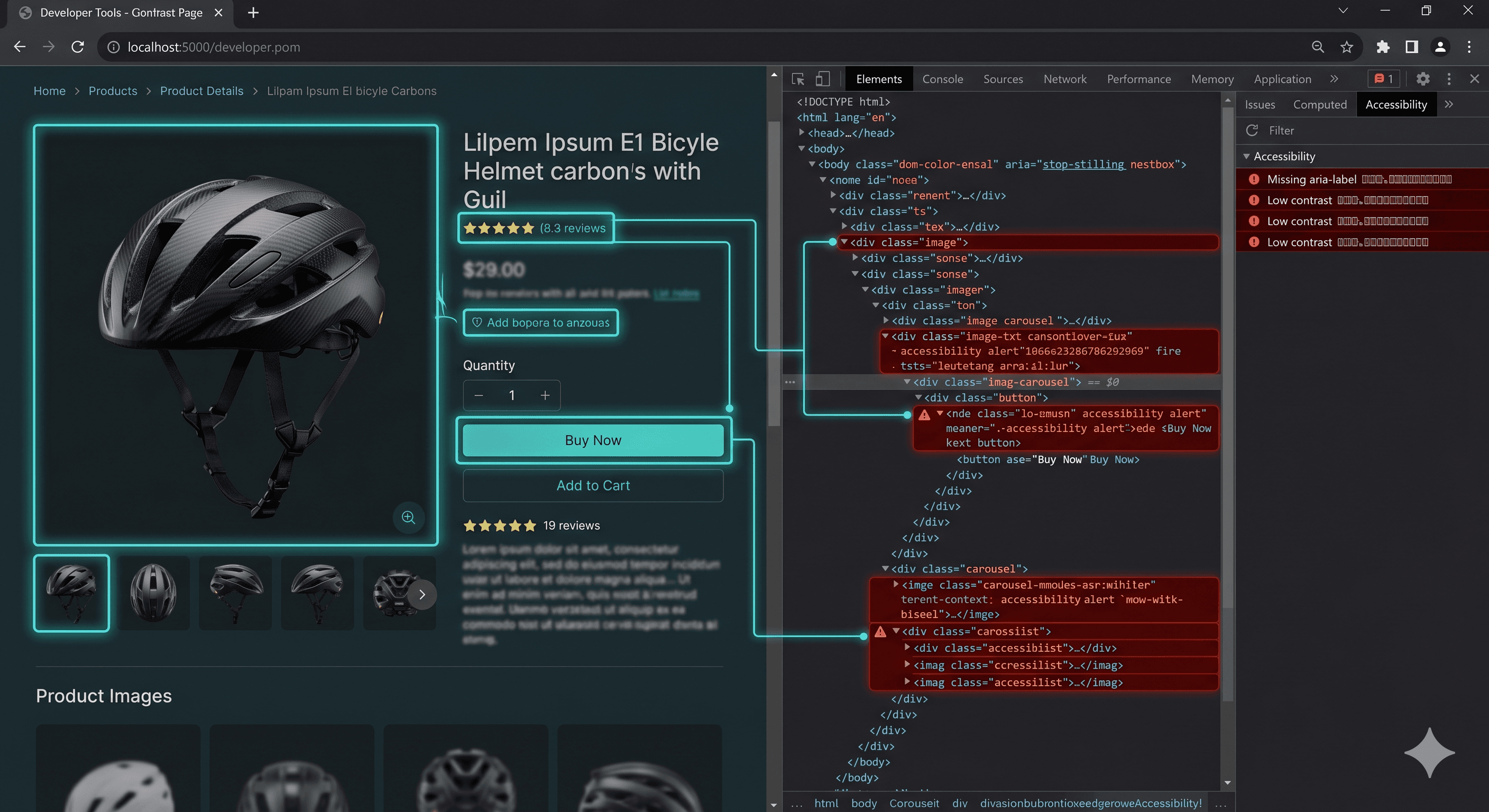
Okendo renders its widget content at runtime, which means the ARIA roles, button labels, form inputs, contrast levels, and interactive controls in your reviews section only exist in the live browser DOM — not in the HTML source that a static scanner reads. A developer testing with browser DevTools will see entirely different markup from what a static scanner analyzes.
This matters because Okendo's widgets, by their nature, involve interaction patterns that are high-risk for WCAG failures: star rating selection, photo upload, filtering and sorting reviews, pagination, loyalty point displays, quiz answer selection, and referral code copy buttons. Each of those patterns has specific WCAG requirements that are easy to miss without live DOM testing.
Common WCAG Violations Found in Okendo Widgets
Star rating input without keyboard support (WCAG 2.1.1)
The star rating selector in Okendo's review submission form is typically implemented as a group of SVG or CSS elements that respond to mouse clicks. For keyboard users, tabbing to a five-star rating selector and pressing Enter or the arrow keys to select a rating must work correctly. When star ratings are built with clickable icons rather than native radio inputs or properly ARIAed alternatives, keyboard users cannot submit a rating — blocking them from the entire review submission flow.
Missing widget container roles (WCAG 4.1.2)
When Okendo's review section renders, the container element should carry a landmark role or ARIA label so screen reader users can navigate to it directly. Screen reader users navigate pages by jumping between landmarks (main, navigation, complementary, etc.) and by using heading structure. A review section injected by JavaScript without a heading or landmark role is invisible to this navigation pattern.
Image alt text on customer-submitted photos (WCAG 1.1.1)
User-submitted review photos in Okendo almost universally carry empty alt text or machine-generated file names as alt text. WCAG 1.1.1 requires that images conveying meaning have descriptive text alternatives. Customer product photos provide social proof context — "photo of product in use" is meaningful content that screen reader users miss when alt text is blank or says "IMG_4721.jpg."
Low contrast on secondary review metadata (WCAG 1.4.3)
Review metadata — the reviewer's name, date, verified purchase badge, and star count — is often styled in lighter, muted text to create visual hierarchy. When that text falls below the 4.5:1 contrast ratio required by WCAG 1.4.3 for normal-sized text, it becomes inaccessible to users with low vision who are browsing without a screen reader but cannot distinguish low-contrast text.
Pagination controls without accessible names (WCAG 4.1.2)
Review section pagination — "Previous," "Next," page numbers — is commonly implemented with arrow icon buttons that lack aria-label attributes. A screen reader user encounters buttons that announce only as "button" with no indication that they navigate review pages.
Sort and filter controls (WCAG 1.3.1, 4.1.2)
Review sort menus ("Most Recent," "Top Rated," "With Photos") and filter controls in Okendo are typically `` elements or custom dropdown components. Custom dropdown components that aren't built with proper ARIA disclosure patterns fail both 1.3.1 and 4.1.2 — they look like interactive controls but don't behave that way for screen reader users.