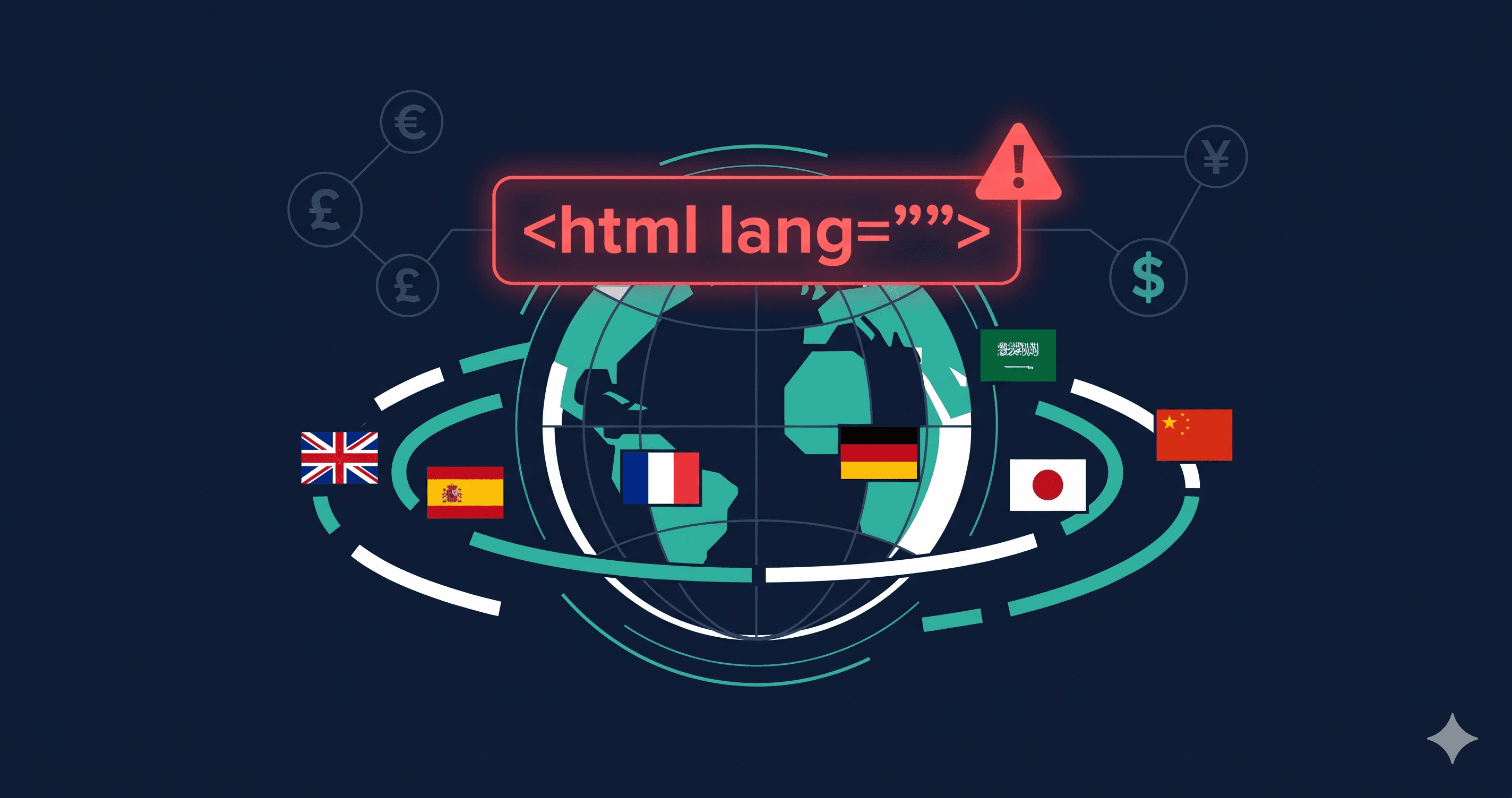
A French customer visiting your store to complete a purchase in euros hears your page read aloud in an American English accent — every French product description mispronounced, every currency label garbled. This isn't a hypothetical edge case: it's what happens when a multi-currency store gets its lang attribute wrong. According to WebAIM's 2025 analysis, missing or incorrect language attributes affected nearly 20% of the top million homepages — and for stores localizing content into multiple languages, the failure rate is higher.
With the European Accessibility Act in full enforcement since June 28, 2025, international e-commerce stores now face regulatory pressure from EU market access requirements alongside the existing ADA litigation risk in the US.
Language declarations are one of several platform-spanning ecommerce failure patterns — see our ecommerce accessibility checker guide for the full picture.
What WCAG Requires for Language Declarations
Two criteria govern language identification:
WCAG 3.1.1 (Language of Page, Level A): The default human language of each web page must be programmatically determinable. This means the `` element must include a valid lang attribute specifying the page's primary language. This is a Level A requirement — baseline accessibility.
WCAG 3.1.2 (Language of Parts, Level AA): The human language of each passage or phrase that differs from the page's primary language must be programmatically determinable. If your store sells products with French descriptions on an English-language page, those descriptions must carry lang="fr" on the containing element.
For multi-currency stores, language declarations compound: you may have a store in English serving customers who have selected EUR as their currency, with product names in German or French, shipping address forms in the customer's local language, and dynamically loaded currency symbols. Each of these scenarios has specific language declaration requirements.
The Five Language Declaration Failures Common in Multi-Currency Stores
1. Missing lang Attribute Entirely
The most basic failure. The `` element has no lang attribute. Screen readers default to the operating system or browser language setting, which may not match the page. A Japanese user's screen reader reading an English page in Japanese pronunciation creates completely unintelligible output.
2. Wrong lang Value
The store was built with lang="en" but now serves customers in France, Germany, and Spain with localized content. The `` lang attribute was never updated when localization was added. All content is still announced in English pronunciation regardless of the customer's locale.
3. Invalid lang Code
WCAG requires valid BCP 47 language tags. Invalid codes like lang="english", lang="fr-fr" (lowercase country code), or lang="cn" (not a recognized BCP 47 tag for Chinese) cause unpredictable screen reader behavior. lang="cn" is particularly common — the correct code for Simplified Chinese is zh-CN, for Traditional Chinese zh-TW.
4. Language Switching Without lang Updates
Many multi-currency stores use JavaScript to switch the displayed currency or language without a full page reload. If the lang attribute on `` isn't updated when the language switches, screen readers continue using the previous language's pronunciation rules for all new content. This is a dynamic content failure — static HTML analysis won't catch it; only JavaScript-rendering scanners will.
5. Missing Language Markup on Untranslated Passages
Some product descriptions, legal notices, or shipping policy text remain in English even on localized store versions. When these untranslated passages appear on a French-language page, they must carry lang="en" on their containing element per WCAG 3.1.2. Missing this creates pronunciation errors and comprehension failures for screen reader users.