Headless commerce solves a real problem: monolithic platforms couple content management to presentation, and that coupling limits performance, customization, and development velocity. Decoupling the frontend from the CMS gives engineering teams full control over what renders in the browser. That control is exactly why headless makes accessibility harder.
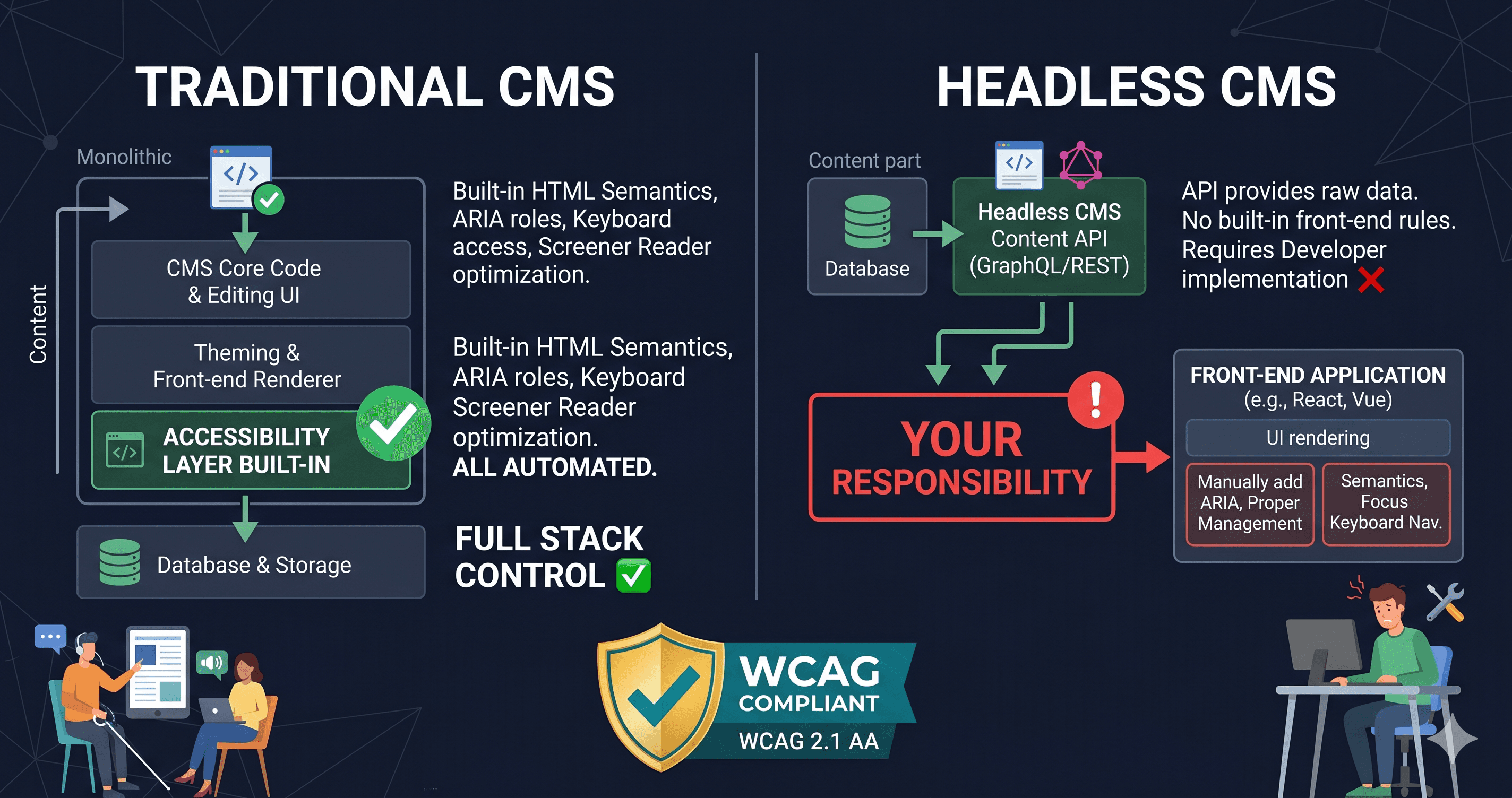
In a traditional CMS, the platform ships with an opinionated HTML structure — heading hierarchies, form labeling patterns, focus management conventions. These may not be perfect, but they provide a baseline. In a headless architecture, the frontend is built from scratch. Every accessibility decision — how to label a form field, how to manage focus after a dialog closes, how to announce dynamic content updates — is left to the development team. And development teams optimizing for performance metrics and conversion rates rarely prioritize accessibility by default.
The 2026 WebAIM Million report found that 95.9% of the top 1 million home pages had detected WCAG failures — a number that actually increased from 94.8% in 2025, reversing six years of gradual improvement. The regression correlates with increasing page complexity: the average home page now contains 1,437 elements, a 22.5% increase in a single year. Headless storefronts are among the most element-dense pages on the web.
The Headless Accessibility Gap: What Gets Lost in the Decoupling
Traditional CMSs like WordPress or Shopify encode at least some accessibility conventions into their core templates. Shopify's default checkout labels form fields correctly. WordPress's core block editor produces structured heading hierarchies by default. These defaults are imperfect and often overridden by themes, but they represent a starting floor.
Headless frontends have no such floor. The component library a team chooses — or builds — determines everything.
| Factor | Traditional CMS | Headless CMS |
|---|---|---|
| Default HTML structure | Platform provides opinionated baseline | Team builds from scratch |
| Form labeling conventions | Platform template handles most cases | Each form component is custom |
| Focus management after routing | Framework handles page transitions | Team must implement with React Router / scroll management |
| ARIA for dynamic content | Theme handles some cases | Team must implement aria-live regions manually |
| Third-party component a11y | Limited — platform controls component scope | High risk — team selects all components |
| Audit difficulty | Static analysis partially works | Requires full DOM rendering — static scanners miss most |
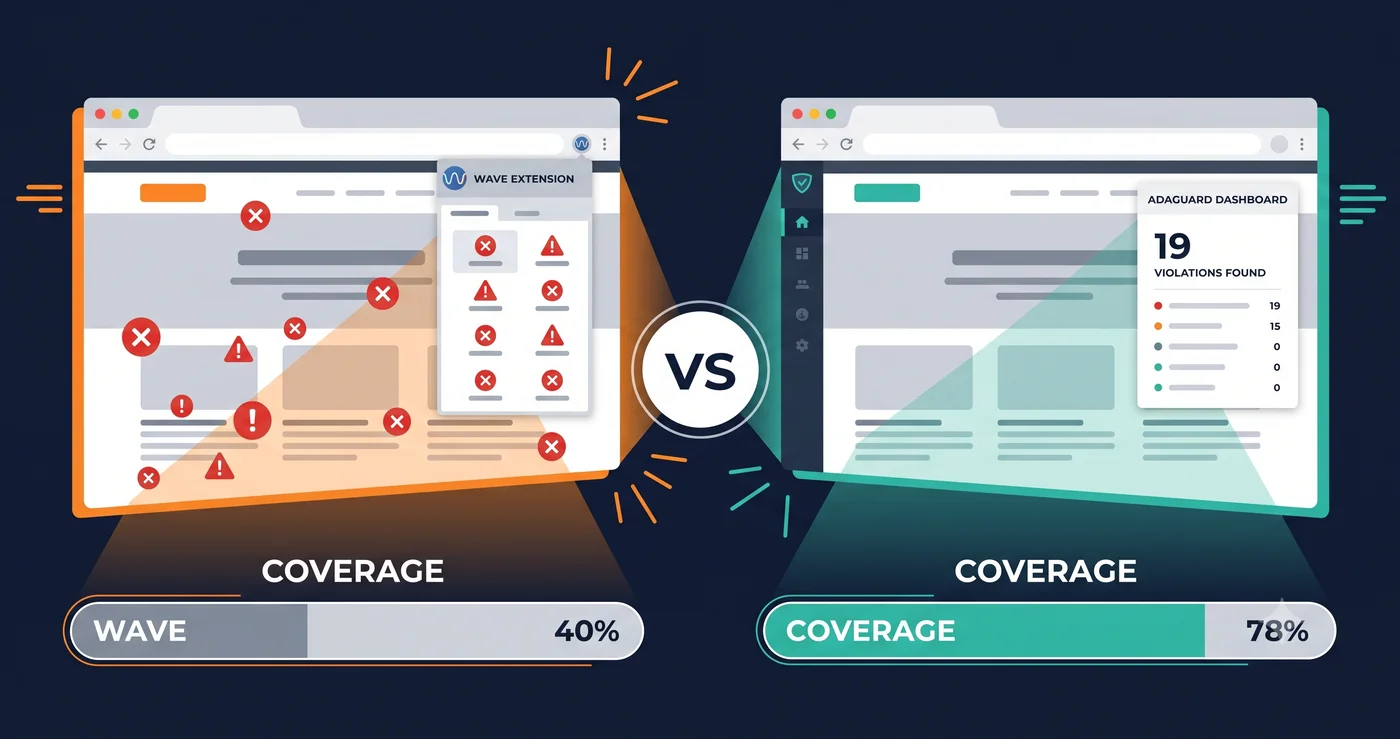
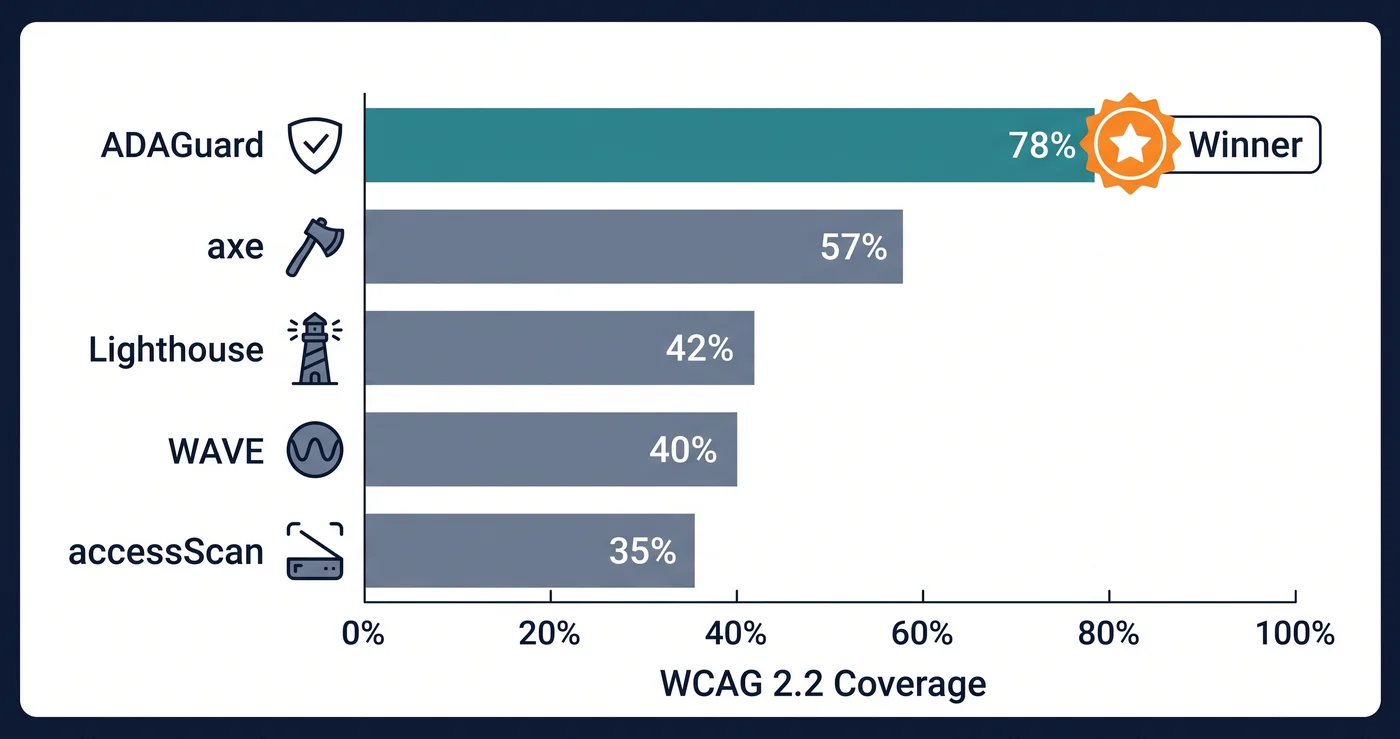
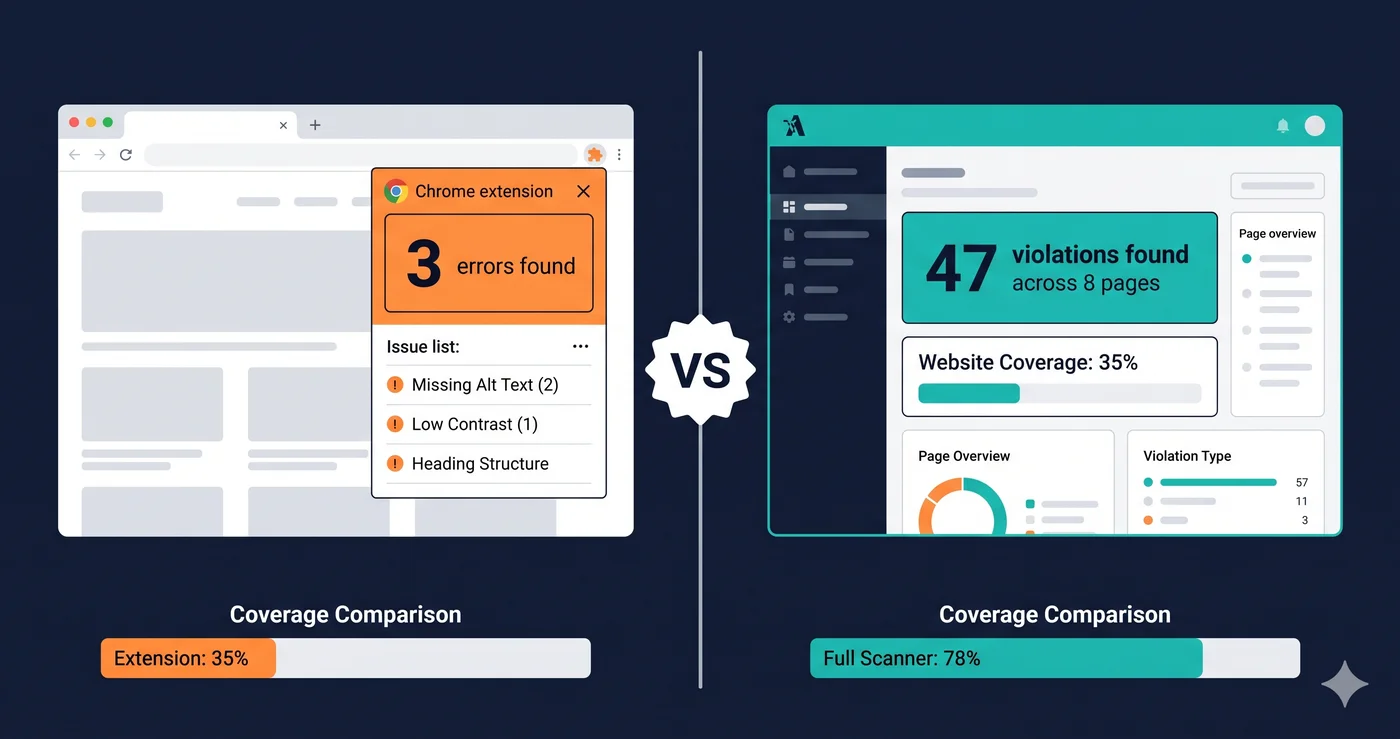
The last row is critical from a scanning perspective. Traditional CMS pages have substantial HTML in the initial server response. Static scanners catch a meaningful fraction of their violations. Headless storefronts built on React, Next.js, or Hydrogen deliver a near-empty HTML shell that JavaScript populates. Source-based scanners audit the shell, not the storefront.
The Specific Headless Patterns That Create Accessibility Debt
Four headless development patterns generate disproportionate accessibility debt:
1. Component library adoption without accessibility auditing. Teams building headless storefronts assemble components from libraries — React Aria, Radix UI, Material UI, Headless UI — and third-party widgets for search, filtering, and reviews. Many of these libraries have known accessibility issues in specific component states. Radix UI's Popover component has had ARIA attribute handling issues in certain versions. React Select — used across thousands of storefronts for variant selectors — requires careful configuration to produce fully accessible behavior.
The pattern: a team adopts a component library, builds the storefront, and never tests whether the library's accessibility claims hold up under real-world configuration. The library's documentation says "accessible" — the team ships it as compliant. The violations live inside component interaction states that were never tested.
2. Client-side routing without focus management. Next.js, Remix, and similar frameworks handle SPA-style page transitions without a full browser navigation event. A screen reader user navigating from a product listing page to a product detail page in a React storefront may receive no announcement that the page changed — because no native browser navigation event fired.
Managing focus after client-side route changes requires explicit implementation: moving focus to the new page's <h1> or a visually hidden announcement region that broadcasts "navigated to [page title]." This is a well-documented requirement, poorly implemented at scale. It is entirely invisible to static scanning and requires DOM-level testing with an actual navigation sequence.
3. Third-party widget injection. Headless storefronts frequently inject content from review platforms, live chat tools, recommendation engines, and loyalty programs. Each injection is a potential accessibility liability — keyboard traps in chat widgets, unlabeled buttons in recommendation carousels, contrast violations in review star graphics. The storefront team controls none of these components and rarely audits them.
Because these widgets render after the initial React hydration cycle, they are doubly invisible: they only appear after page load, and they only render on pages where the widget is configured. A scan of the homepage may not reveal a chat widget violation that only fires on the product detail page.
4. Contentful-driven layout flexibility. When content editors can construct pages using flexible content blocks in a headless CMS, the heading hierarchy, landmark structure, and reading order of every page is determined by editorial decisions — not by engineering. A marketing team building a campaign page may construct a heading hierarchy that skips from H1 to H4, omit landmark regions, or create a reading order that screen reader users cannot follow. This is not an engineering violation — it is an authoring violation. Traditional monolithic CMSs surface these as WYSIWYG editor problems. Headless CMSs surface them as runtime DOM violations that only appear after content is published.