"Enterprise-ready" and "ADA compliant" are not the same thing — a distinction that has cost BigCommerce merchants real money in legal settlements. The platform's SaaS architecture actually creates a unique compliance challenge: you're dependent on BigCommerce to fix platform-level issues, but you're legally responsible for everything a user experiences on your storefront.
That's a gap worth understanding in detail. For how this SaaS-platform pattern compares across other ecommerce systems, see our ecommerce accessibility checker guide.
The SaaS Compliance Trap
When you build on Magento or WooCommerce, you own the codebase. When something is broken, you fix it. BigCommerce's SaaS model means some of your accessibility surface area is outside your direct control — BigCommerce's hosted checkout, the native search experience, the account management portal. If BigCommerce's checkout has an accessibility bug, your customers can't complete purchases. And legally, that's still your problem.
BigCommerce has steadily improved its platform accessibility, and the company publishes an accessibility roadmap. But there's a gap between "committed to improving" and "fully WCAG 2.1 AA compliant today." Until every component is compliant, merchants face legal exposure for issues they cannot directly patch.
The good news: most BigCommerce accessibility failures are in territory you can control — your Stencil theme, your installed apps, and your custom front-end code.
Common Violations in Stencil Themes
BigCommerce's Stencil theme framework is well-structured compared to many alternatives, but the marketplace themes built on it vary wildly in accessibility quality. Here are the violations that appear most consistently.
Navigation Mega-Menus
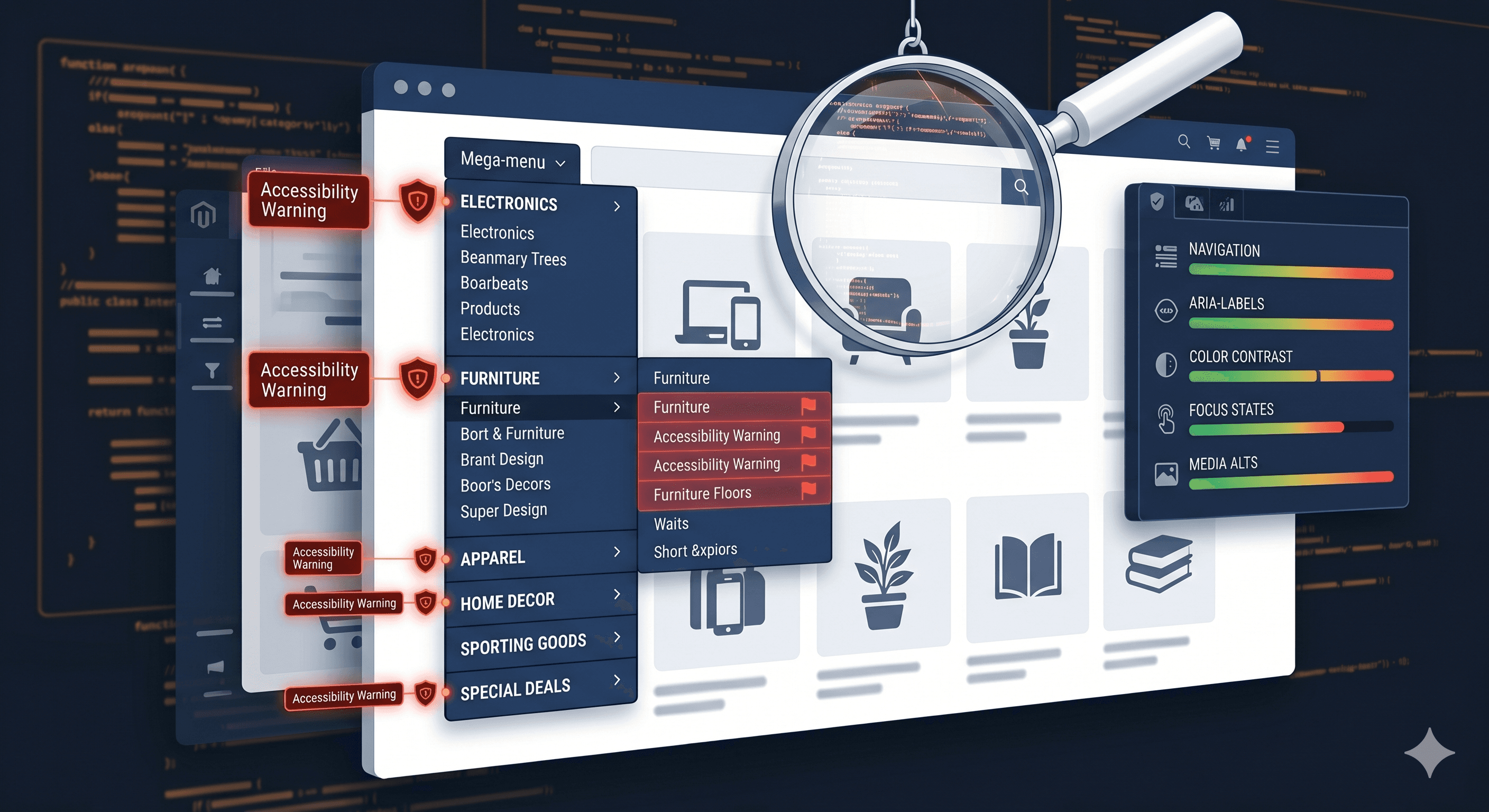
BigCommerce stores with large product catalogs often use mega-menu navigation. The default Stencil implementation collapses sub-menus on CSS :hover, which is fine for mouse users but creates a keyboard navigation dead end — keyboard focus can reach the top-level link, but there's no mechanism to expand the sub-menu. WCAG 2.1.1 (Keyboard) requires that all functionality be operable without a mouse. Whether your specific theme handles keyboard sub-menu expansion correctly needs to be verified against your live DOM.
Product Quick-View Modals
Quick-view modals are a nearly universal BigCommerce theme feature and a nearly universal accessibility failure. The pattern is: user activates "Quick View," a modal opens with product details, and the keyboard user cannot navigate it, cannot close it with Escape, and loses focus when the modal eventually closes. These failures map to WCAG 2.1.2 (No Keyboard Trap) and 2.4.3 (Focus Order) — two of the most commonly cited criteria in ecommerce demand letters.
The correct modal implementation requires focus to enter the modal on open, Escape to close it, and focus to return to the trigger element on close. Your scan report will confirm whether your quick-view modals meet these requirements on your specific theme build.
Color Contrast in Cornerstone Theme
BigCommerce's Cornerstone theme uses configurable color variables — which means your specific configuration might be failing contrast requirements even if the default theme passes. Badge colors, sale price text, muted product descriptions, and placeholder text are frequent failures. WCAG 1.4.3 requires a minimum 4.5:1 contrast ratio for normal text. ADAGuard's color contrast module calculates ratios across every text element on the page automatically, including Cornerstone-specific elements that vary by your theme configuration.