Your Attentive SMS pop-up is probably not WCAG compliant — and it's not your developer's fault. Pop-up modals injected by third-party marketing tools are one of the most common triggers for ADA demand letters in 2026, and Attentive's default implementation fails at least three WCAG 2.1 AA criteria before a single subscriber opts in.
In 2025, over 4,800 ADA web accessibility lawsuits were filed against U.S. businesses — a significant year-over-year increase according to UsableNet — with ecommerce accounting for up to 77% of all cases. Pop-up and modal accessibility failures appear repeatedly in demand letters from serial plaintiff firms who scan sites programmatically. If your store runs Attentive, this post explains exactly what breaks and what to do about it.
Why SMS Pop-Ups Are a WCAG Problem
Under WCAG 2.1 Level AA, any element that appears on a page and requires user interaction must meet specific technical criteria. Modals and pop-ups are especially challenging because they involve dynamic content, focus management, and interactive controls rendered by JavaScript after the initial page load — exactly how Attentive works.
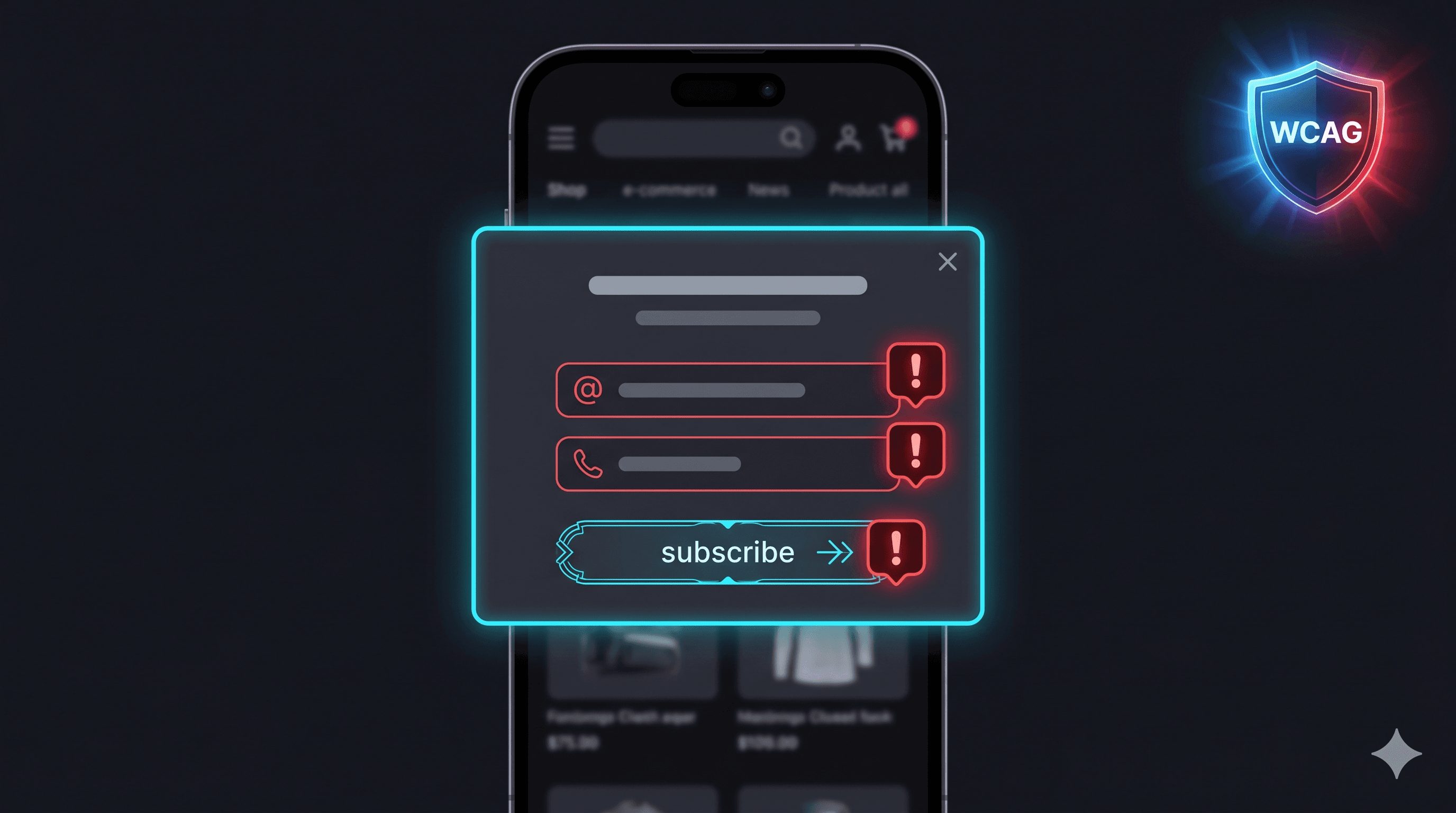
When Attentive injects its SMS opt-in overlay into a Shopify page, it creates a dialog-style element that overlaps the main content. Blind users navigating with JAWS or NVDA, and keyboard-only users who cannot use a mouse, depend entirely on how that overlay is coded. The default Attentive implementation frequently omits the ARIA roles and focus management behaviors that make overlays usable for disabled shoppers.
The consequences go beyond legal risk. Roughly 26% of U.S. adults live with some form of disability according to the CDC. When an SMS opt-in pop-up is inaccessible, those users cannot engage with it — which means lost subscribers and lower email/SMS list revenue for the store, in addition to potential liability.
The Most Common WCAG Violations in Attentive Pop-Ups
Missing role="dialog" and aria-modal="true"
Screen readers rely on explicit semantic roles to understand what they're presenting to the user. Without role="dialog" on the pop-up container and aria-modal="true", assistive technologies like JAWS and NVDA continue reading the background page as if the overlay doesn't exist. A blind shopper may never know they're supposed to provide a phone number — the form just appears invisibly in the DOM without context.
Focus not entering the modal on open (WCAG 2.4.3)
When a modal appears, keyboard focus must immediately move into it. If focus remains on the background page, a keyboard-only user pressing Tab will navigate through the entire page underneath the overlay rather than through the pop-up form. This effectively makes the opt-in form unreachable without a mouse — a direct WCAG 2.4.3 Focus Order violation.
No keyboard way to close the modal (WCAG 2.1.2)
The Escape key must close any active dialog. WCAG 2.1.2 (No Keyboard Trap) requires that focus trapped inside a modal always has an accessible exit path. Many Attentive implementations don't bind an Escape key handler, leaving keyboard users with no way out of the overlay without refreshing the page.
Unlabeled close button (WCAG 4.1.2)
The "×" icon that closes the pop-up is almost always a button with no accessible name. A screen reader announces it as "button" with no description — users have no way to know it will close the modal. This is a WCAG 4.1.2 (Name, Role, Value) violation and one of the most frequently cited failures in demand letters.
Insufficient contrast on disclosure text (WCAG 1.4.3)
Attentive pop-ups typically include TCPA disclosure language in small, lightly colored text. The legal compliance standard for SMS marketing requires this text to be readable, and WCAG 1.4.3 requires a contrast ratio of at least 4.5:1 for normal text against the background. Many Attentive pop-up themes — especially those with gradient or colored backgrounds — fail this threshold.
Missing autocomplete attributes on phone input (WCAG 1.3.5)
Phone number inputs should have autocomplete="tel" so that users with cognitive disabilities or those using password managers can fill them without re-typing. Omitting this fails WCAG 1.3.5 (Identify Input Purpose).